A braille cell you can hold in two hands
Brailly pairs six tactile buttons with friendly spoken coaching and a companion dashboard prototype. Here are the hardware details, the learning loop, and where the project is headed.
Tactile-first instruction
Six large buttons map to the six dots of a braille cell. Learners feel and recreate each pattern by hand—no screen to read.
Spoken audio coaching
A friendly voice names each letter, reacts to every attempt, and keeps the tone encouraging. Audio is generated in the cloud and streamed to the device.
A companion dashboard prototype
The web prototype explores how families and teachers could review practice and follow progress over time.
Hear it, feel it, press it
Dotty names a letter, pins rise on the far wall for one fingertip to read, and the learner presses the same pattern on the six keys. Letters become words.
What happens in the video
Dotty says “Hi, I'm Dotty! Let's play with the dots.” A white cube with six blue keys on top turns into view.
Hear it: Dotty says “Type the letter… b.” Feel it: two pins rise from the far wall of the cube, and a fingertip reaching over the top reads them. The cell is turned 90° so the finger meets dot 1 first. Press it: the learner presses dots 1 and 2 on the keys, and Dotty says “Perfect!”
Letters become words: the pins show l, o, v and e in turn, each is pressed back, and Dotty says “Fantastic!”
Inside: the cube comes apart into its keys, shell, ESP32-S3 circuit board, six solenoids that lift the pins, one 21700 battery cell and a speaker. It reacts in under 0.1 seconds, with no internet needed. Dotty says “Bye bye! See you soon.”
See the prototype in action
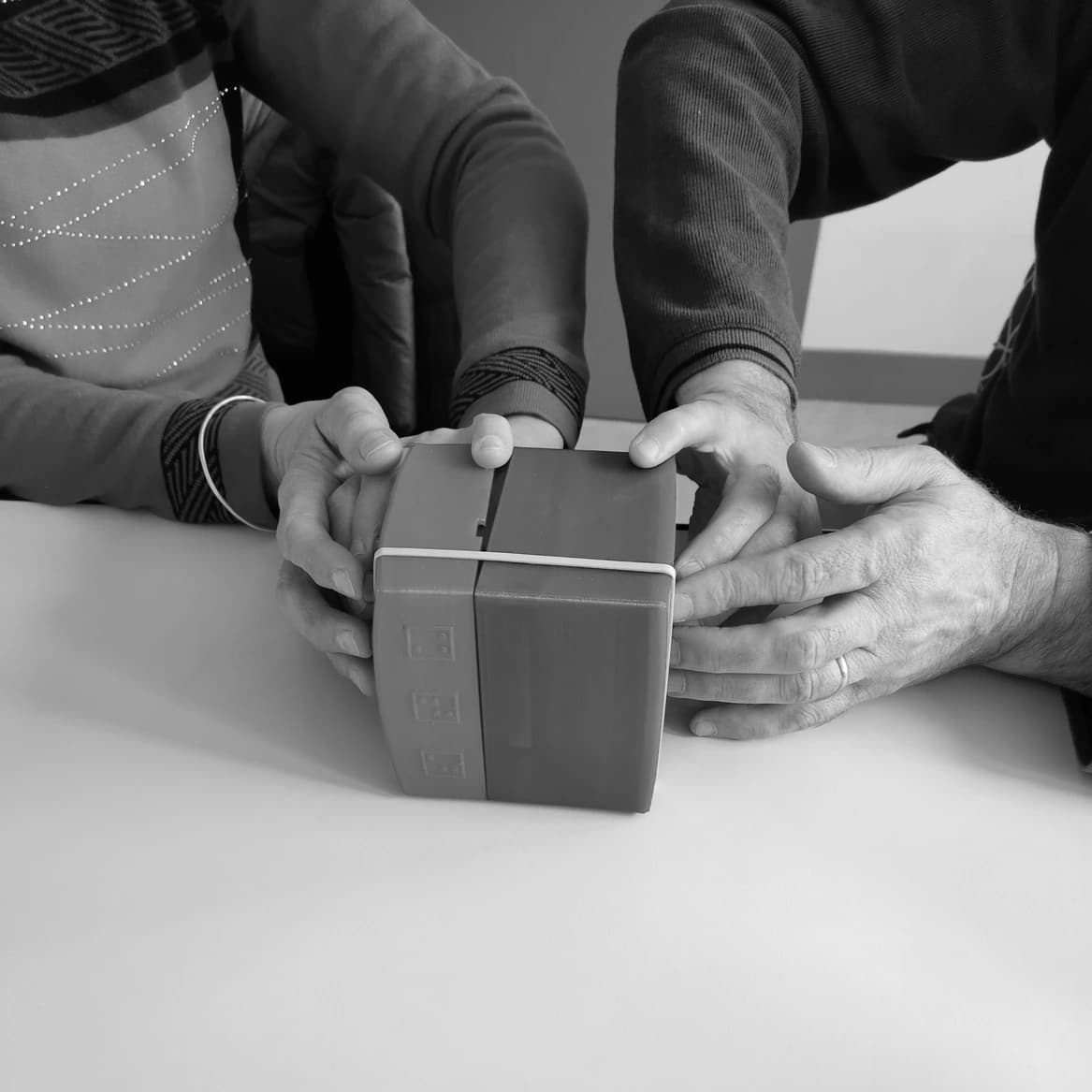
Take a closer look at the physical prototype and the tactile details learners use during a session.
Prototype specifications
- Microcontroller
- ESP32-S3 (FeatherS3)
- Input
- 6 buttons — one per braille dot
- Audio
- I2S amplifier + speaker, spoken coaching
- Storage
- microSD for audio
- Connectivity
- Wi-Fi
- Housing
- 3D-printed, biodegradable PHA filament
Roadmap
- Now: Working cloud-connected prototype
- Next: Custom PCB and a small pilot with learners
- Later: More letters, numbers, and full words
Feel a letter, press it back, build a word
Each exercise blends tactile exploration with spoken feedback, growing from single letters to whole words.
Tactile-first instruction
Six large buttons map to the six dots of a braille cell. Learners feel and recreate each pattern by hand—no screen to read.
Spoken audio coaching
A friendly voice names each letter, reacts to every attempt, and keeps the tone encouraging. Audio is generated in the cloud and streamed to the device.
A companion dashboard prototype
The web prototype explores how families and teachers could review practice and follow progress over time.
The people behind the prototypes
Brailly was developed by a small group across design, hardware, and product, with feedback from blind and low-vision users.
Lars Oberhofer
Product, UX & hardware
Heïdi
Design & user research
Gabriel
Hardware & firmware
Say hello
Leave your details and we'll get back to you—usually within a few days.
Stay in touch
Want to follow where Brailly goes next?
Educators, families, researchers, and makers are all welcome to reach out. We're happy to share photos, notes, and progress.
Email info@brailly.eu